Fit Participation Around the Broadcast
A relevant prompt at the wrong moment is still the wrong prompt. Build the audience pathway around play, production cues and the time people need to respond.
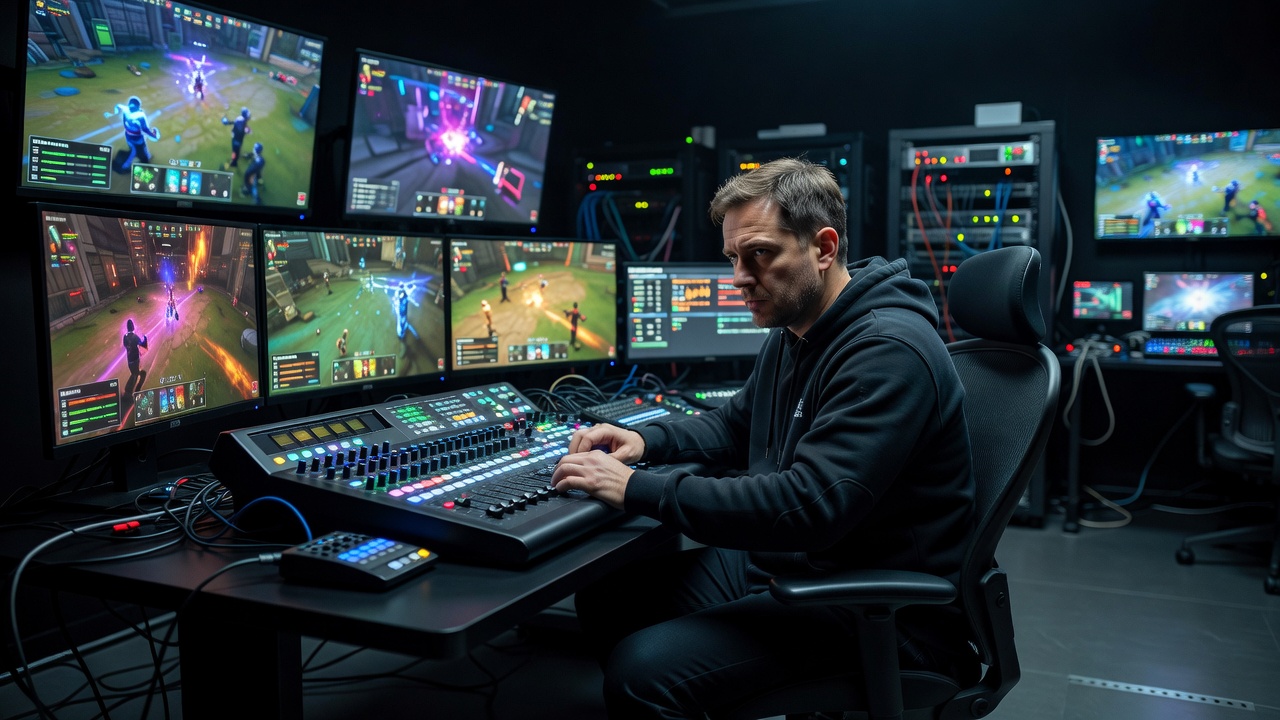
Use the actual production state
A model may detect a pause in chat or a quieter passage of commentary. Neither proves that the broadcast has space for an interaction. The observer may be following a developing flank, the director may have a replay ready or an accessibility announcement may be about to appear. Treat automated timing estimates as suggestions, not permission to publish.
Define a small set of production states that the crew can recognize: pre-match, active play, confirmed break, technical interruption and post-match. Assign an authorized person or trusted production cue to change those states. If the state is unknown or the connection fails, the safe default is to hold new interactions. A missing signal should not create an opening.
Account for several clocks at once
The game server, production feed and viewer’s player do not necessarily show the same moment. Streaming platforms can introduce different delays; viewers can pause, rewind or use a device with additional buffering. A prompt synchronized to a production clock may reveal an outcome to someone whose video is behind.
Specify which clock controls opening and closing. For a factual prediction, stop accepting responses before relevant information becomes available to any intended participant, or do not run that format. For a desk-topic poll, explain that the result informs the upcoming segment rather than pretending everyone is watching the same frame. Avoid claiming frame-accurate synchronization unless the complete delivery chain actually supports it.
“Hold the map-selection explainer until the producer confirms the desk break. If play resumes early, cancel the prompt and retain the explanation for later.”
Rationale: the production state outranks the planned schedule.
Protect the visual and auditory hierarchy
Essential match information should win the layout contest. Test a prompt against the minimap, scoreboard, player information, captions and interpretation windows. Do not assume that an empty corner in one game’s spectator interface will remain empty in another. A Dota 2 team fight, a Rocket League overtime sequence and a Counter-Strike 2 round ending have very different attention patterns.
Check small screens and browser zoom, not only the production monitor. A panel that occupies a modest slice of a large display can dominate a phone. Avoid automatic sound, flashing emphasis and animation that competes with play. If an interaction cannot be placed without obscuring something essential, move it to a separate optional panel or omit it.
The audience needs time, not urgency theater.
Reading, choosing and navigating take different amounts of time. A closing animation should communicate a real production boundary—not manufacture pressure.
Make the interaction usable beyond the timer
Keyboard users need a predictable path into the panel and back out. Screen-reader users need meaningful labels and restrained announcements, not a live region that reads every vote change. Do not move focus when a new prompt appears. Let people discover it through the interface, and keep a clear dismiss control available.
Where a time limit is essential, disclose it early and consider whether an equivalent untimed route can serve the same purpose. WCAG 2.2 includes guidance on timing and keyboard access, but the practical question is broader: can a spectator understand what is being asked without missing the match? Provide a readable result and explanation after the input closes rather than removing all context immediately.
Give the crew explicit hold and cancel controls
Every scheduled item should have an owner, an approval state and a way to stop it. Distinguish “drafted,” “reviewed,” “queued,” “published” and “withdrawn.” A system that jumps from drafted to published because a timer expired removes the human checkpoint precisely when production may be busiest.
Write down what happens during a technical pause, sensitive incident or moderation surge. A technical interruption is not automatically spare entertainment time. Viewers may need accurate service information, and the crew may need its full attention elsewhere. Hold promotional or playful prompts until the situation is understood. If an incorrect interaction is already visible, withdraw it and publish a proportionate correction where the audience can find it.
| State | Default behavior | Human decision |
|---|---|---|
| Active play | Hold new participation prompts | Confirm any necessary exception |
| Confirmed break | Offer reviewed, relevant items | Check available time and layout |
| Technical interruption | Pause the interaction queue | Prioritize verified service information |
Debrief the timing decision
After the segment, compare the planned cue with what actually happened. Was the prompt visible long enough to read? Did it conflict with captions? Did the break end early? Did people dismiss it because it covered the action? These questions are more useful than a single response total.
For our rules question, a successful pathway might end with a short explanation during a confirmed desk break and an optional text version afterward. No viewer needs to answer another prompt to prove the explanation worked. Keep a production note about the timing and accessibility issues, then carry those lessons into the next show. The final publication gate remains moderation and human accountability.
Next: put safeguards around publication →